Files, folders & programs
Understand where your files actually live, how folders organize them, and why programs are tools rather than containers for your work.

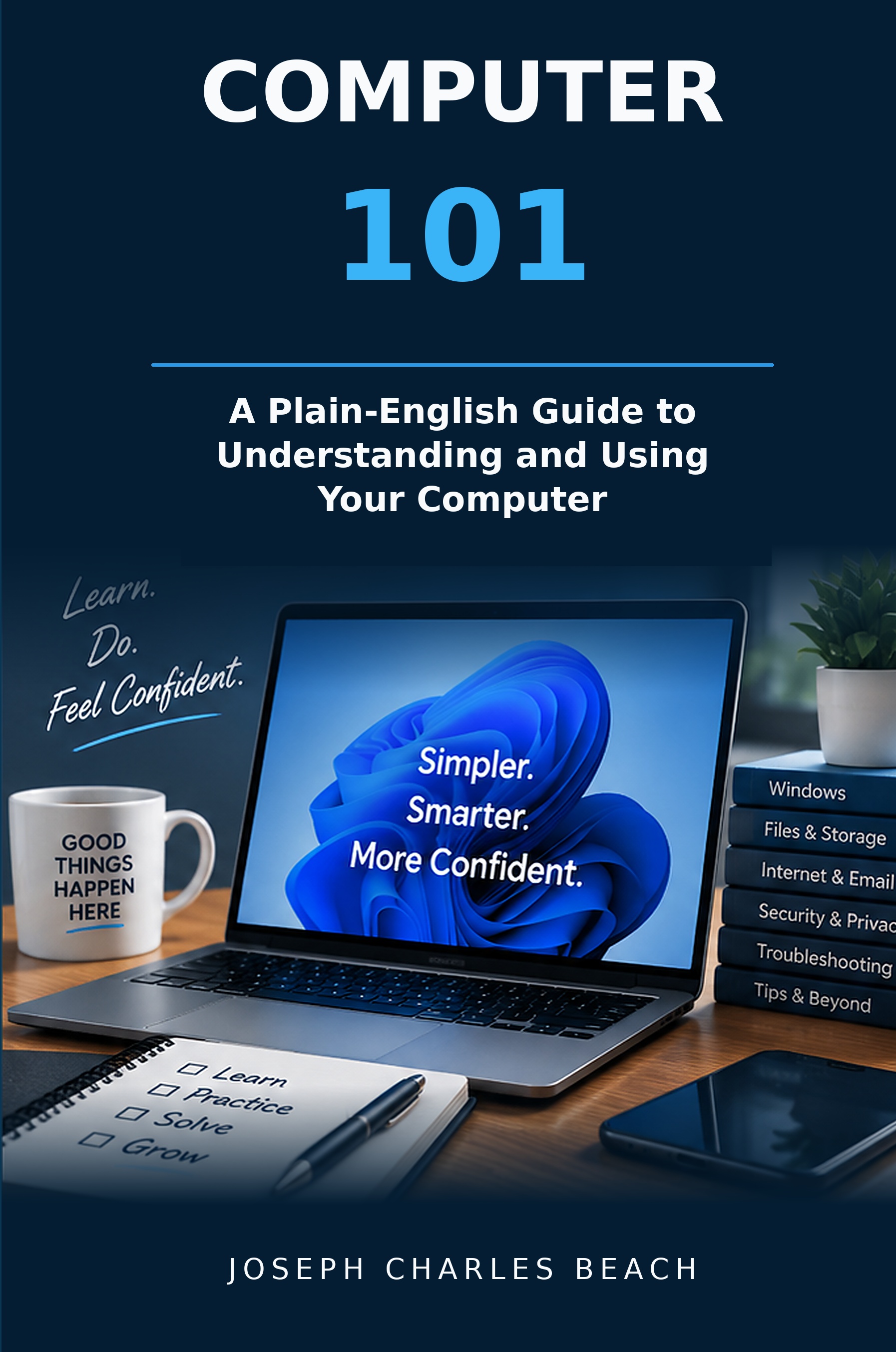
NEW FROM BEACH SOLUTIONS LLC
A Plain-English Guide to Understanding and Using Your Computer
Computers shouldn’t be this confusing. Computer 101 gives everyday Windows users a practical mental model for understanding what their computer is doing, protecting what matters, solving common problems, and making better technology decisions.
U.S. standard shipping is $7.95 per order. Applicable sales tax is calculated securely during checkout.
THE COMPUTER BOOK YOU WISH SOMEONE HAD GIVEN YOU
Most people were taught which buttons to click, but never how the pieces actually fit together. That works until a file disappears, a printer goes offline, Wi-Fi stops working, a password fails, or the computer becomes slow.
Computer 101 explains the concepts behind everyday computer use in familiar language so you can understand problems instead of simply guessing what to click next.
WHAT YOU’LL LEARN
Understand where your files actually live, how folders organize them, and why programs are tools rather than containers for your work.
Learn the difference between memory and storage, what makes a computer feel slow, and when an upgrade can actually help.
Understand what the cloud really is, how synchronization works, and why sync is not automatically a backup.
Protect your information, recognize common scams, understand two-factor authentication, and know which password belongs to which account.
Learn why “Printer Offline” often means communication was lost, and why Wi-Fi and the internet are not the same thing.
Learn a repeatable method for finding the scope of a problem, changing one thing at a time, and knowing when to stop.
Choose a computer based on the work you need to do, then set it up correctly with the right accounts, updates, programs, and backup.
Make better decisions about repair costs, upgrades, computer age, reliability, and when a new machine makes more sense.
“You do not need to know every answer. You simply need a better map.”
WHO THIS BOOK IS FOR
A PRACTICAL REFERENCE, NOT JUST A BOOK TO READ ONCE
Each chapter ends with a concise Remember This summary and Computer 101 Checklist. The book also includes a full Quick Reference section covering keyboard shortcuts, backup, security, printers, Wi-Fi, troubleshooting, computer buying, migration, disposal, and repair decisions.
ORDER YOUR COPY
A Plain-English Guide to Understanding and Using Your Computer
371-page paperback · U.S. standard shipping $7.95 · Secure checkout through Square
PRACTICAL TECHNOLOGY HELP
Beach Solutions LLC provides on-site computer diagnostics, troubleshooting, setup, repair, data transfer, backup assistance, printer help, and other practical technology support.